Best transcription apps for iPhone in 2026
The short answer
Transcribe AI is our pick for the best transcription app on iPhone if you want private, offline transcripts: it runs on the device in 99+ languages with no account. Choose Otter for live meetings, Rev for human transcripts, Transkriptor for translation, Notta for multilingual meetings, and Apple Voice Memos for quick notes. Transcribe AI is our own app, and this ranking puts privacy and offline use first.
Key takeaways
- Best overall for private, offline transcription: Transcribe AI.
- Best for live meetings with speaker labels and summaries: Otter.
- Best when a person must check the transcript: Rev.
- Best free option already on your iPhone: Apple Voice Memos.
The best transcription apps compared
Free allowances and features as listed by each company on 21 November 2026
| App | Best for | Free allowance | Languages | Offline | Speaker labels | Summaries |
|---|---|---|---|---|---|---|
| Transcribe AI | Private, offline use | 15 transcriptions, 15 min per file | 99+ | Yes | No | No |
| Otter | Live meetings | 300 min a month, 30 min per conversation | 6 | Not listed | Yes | Yes |
| Rev | Human transcripts | 45 AI min a month, English only | 37+ on higher plans | Not listed | Not listed | AI templates |
| Transkriptor | Translation | 90 min | 100+ | Not listed | Yes | Yes |
| Notta | Multilingual meetings | 120 min a month, 3 min per conversation | 58 | On-device mode listed | Yes | Yes |
| Voice Memos | Quick notes | Built in | 10 options | Not stated | No | With Apple Intelligence |
How we ranked them
Most transcription roundups are written for teams in online meetings. This one is for people with a recording on their iPhone who want the words back without handing the audio to another service. We weighed five things, in this order:
- Privacy: whether audio can stay on the device, and whether an account is needed.
- Offline use: whether transcription works with no connection.
- Languages: how many are available, and whether the free version includes them.
- Everyday workflow: recording, importing files, editing, organizing and exporting.
- Extras: speaker labels, summaries, translation and live transcription.
If extras matter more to you than privacy, your order will differ, so each entry says who it suits best.
1. Transcribe AI
Transcribe AI
Best overall for private, offline transcription
Transcribe AI does one job and keeps it on your phone. It runs an offline AI model on the iPhone or iPad, so you can record or import audio and get editable text in airplane mode, with no account and no upload.
Strengths
- Fully on-device and works offline
- No account or sign-in
- 99+ languages, including on the free version
- Imports MP3, WAV and M4A files
- Folders, search, and TXT export
Limits
- Batch import and PDF export need Pro
- No speaker labels, live captions, summaries or translation
- Requires iOS 26 or later
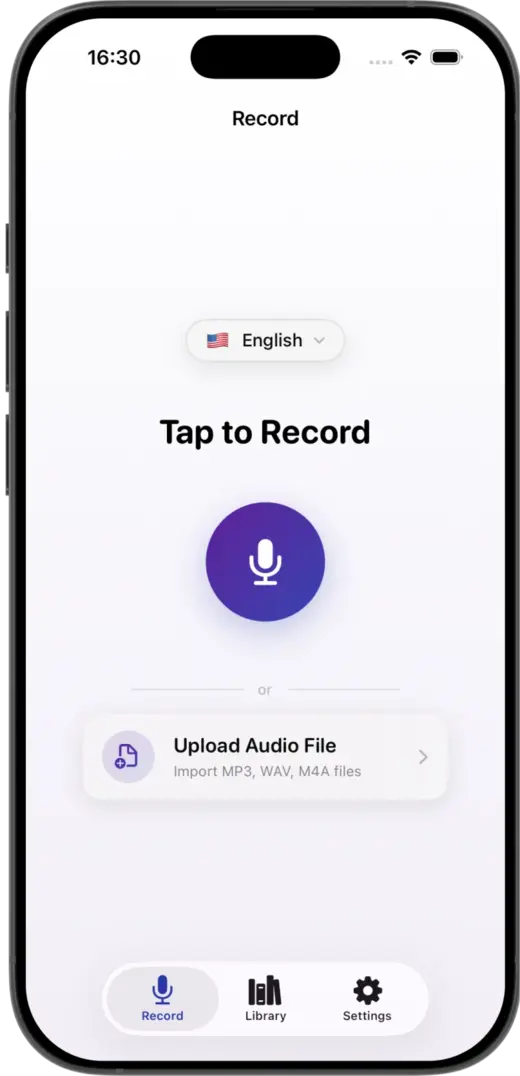
Transcribe AI takes first place because it is the most direct answer to a simple need: turn this audio into text, on this phone, without an account. It is a good fit for interviews, voice notes, lectures and anything you would rather not upload. Start with how to transcribe audio offline or convert an MP3 to text.
2. Otter
Otter
Best for live meetings
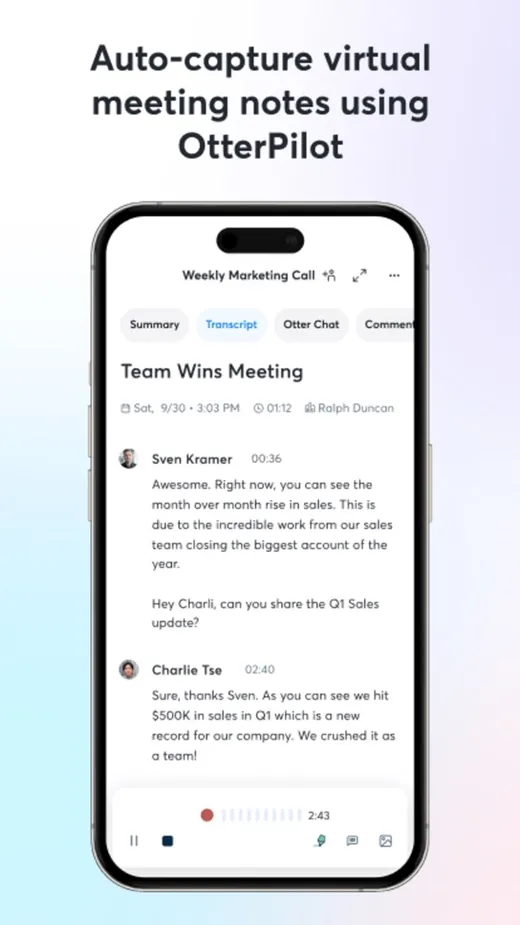
Otter is built around meetings. It transcribes live, identifies speakers and produces summaries with action items, which makes it a strong choice for teams that work on Zoom, Google Meet or Microsoft Teams.
Strengths
- Live transcription
- Speaker identification
- Automated summaries and action items
- 300 free minutes a month
Limits
- Free conversations stop at 30 minutes
- Only 3 lifetime file imports on the free plan
- Transcribes 6 languages
- Offline transcription is not listed
3. Rev
Rev
Best when you need a human transcript
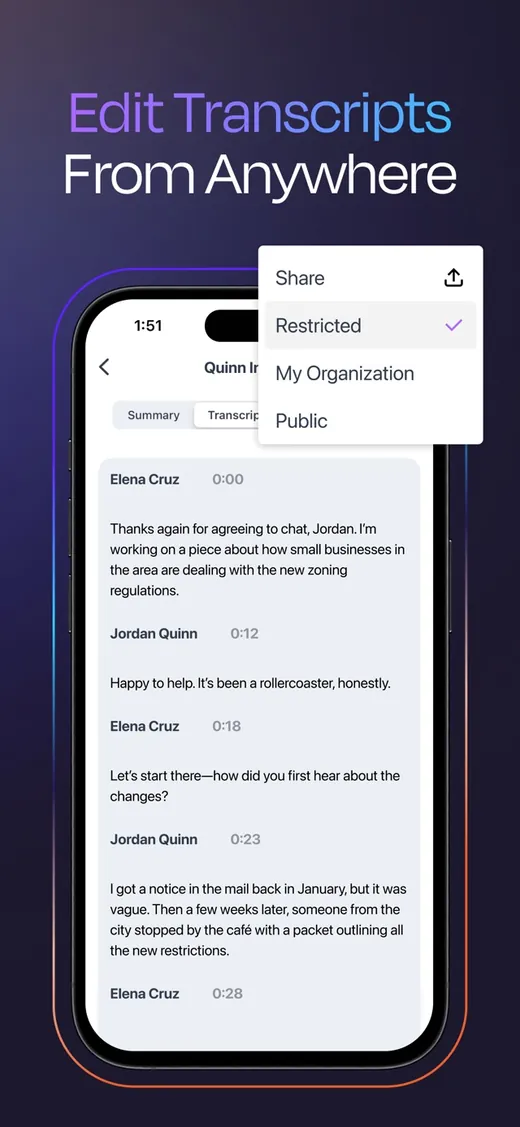
Rev combines AI transcription with paid human transcribers. If a transcript is going into legal, research or media work and has to be checked by a person, it is the most direct option here.
Strengths
- Human transcription available
- Live AI transcription in the app
- Transcript chat and AI templates
- Export to Word or PDF
Limits
- Free plan: 45 AI minutes a month
- Free plan is English only
- 37+ languages need a higher plan
- Offline transcription is not listed
4. Transkriptor
Transkriptor
Best for translating transcripts
Transkriptor is a broad cloud toolkit: transcription, translation, summaries and a meeting bot across web, iOS and Android. It suits people who want one account across devices more than they want a simple phone app.
Strengths
- 100+ transcription languages
- Translation to 100+ languages
- Speaker identification and summaries
- Exports TXT, SRT and Word
Limits
- Free allowance is 90 minutes
- More features to learn
- Offline transcription is not listed
5. Notta

Notta
Best for multilingual meetings
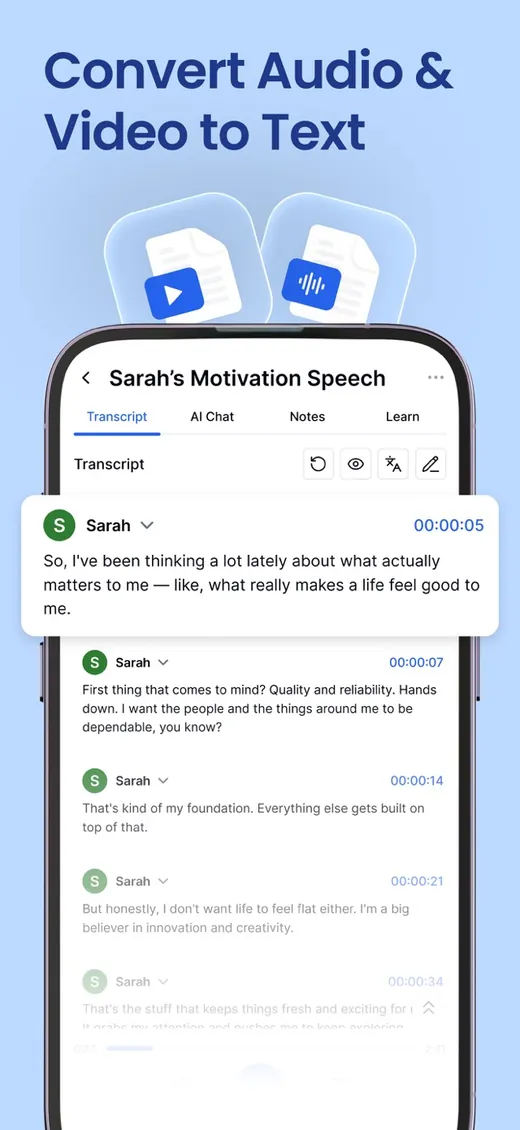
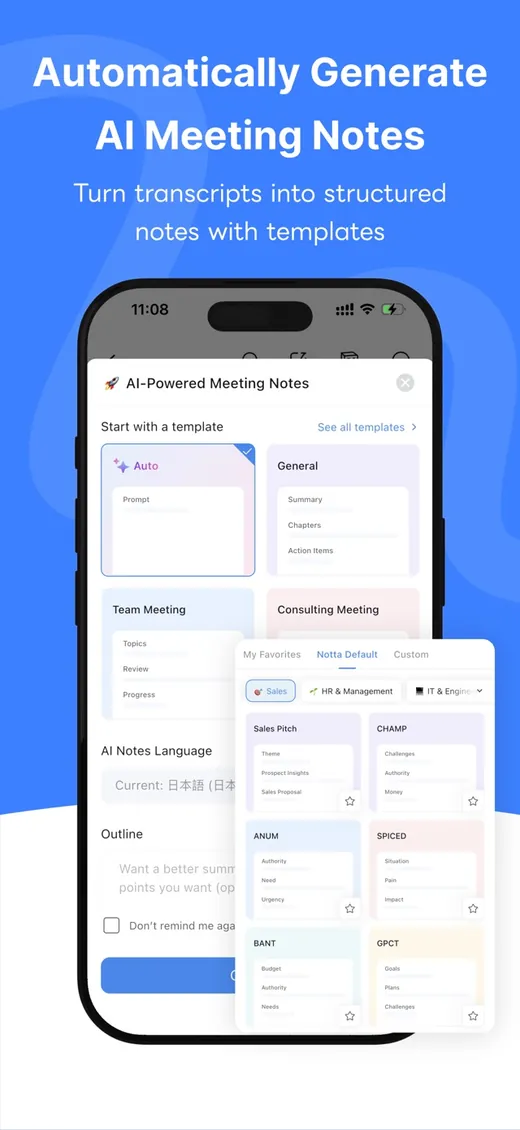
Notta focuses on meeting notes across languages, with real-time transcription, bilingual transcription and translation. Its site also lists an on-device transcription mode.
Strengths
- Real-time transcription in 58 languages
- Bilingual transcription and translation
- AI summaries
- Lists an on-device mode
Limits
- Free plan: 120 minutes a month
- Free conversations are limited to 3 minutes
- Transcript export is listed under Pro
6. Apple Voice Memos
Apple Voice Memos
Best free option already on your iPhone
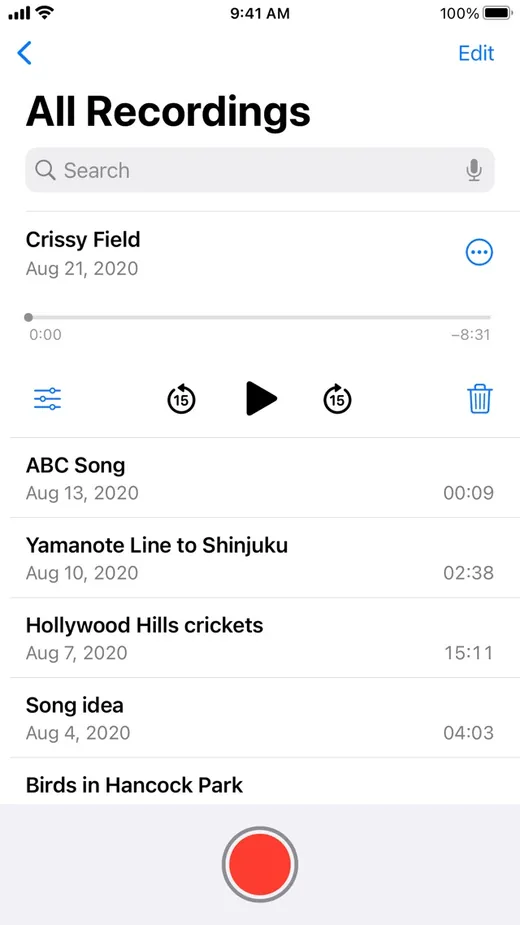
Voice Memos can show a transcript while you record or afterwards, and there is nothing to install. For a quick note in a supported language, it may be all you need.
Strengths
- Built in, with no extra app
- Transcript during or after recording
- Copy the transcript in a tap
Limits
- 10 language options
- Requires iPhone 12 or later
- No transcript library or TXT and PDF export
- Not available in every region
Which transcription app should you choose?
| If you want | Choose |
|---|---|
| Private transcripts with no upload or account | Transcribe AI |
| Transcription on a plane or with no signal | Transcribe AI |
| A wide choice of languages in a simple phone app | Transcribe AI |
| Live meeting notes with named speakers | Otter |
| A transcript checked by a person | Rev |
| Transcripts translated into another language | Transkriptor |
| Bilingual meeting notes | Notta |
| A quick transcript of a memo, with nothing to install | Voice Memos |
Tips for better results in any app
The recording matters more than the app. Keep the microphone close to the speaker, avoid fans and background music, and choose the spoken language before you start.
Questions
What is the best transcription app for iPhone?
For private, offline transcription, our pick is Transcribe AI, which runs on the device in 99+ languages with no account. It is our own app. For live meetings with speaker labels, Otter is the stronger choice.
What is the best free transcription app for iPhone?
Apple Voice Memos is free and built in for supported languages. Otter has the largest monthly free allowance here at 300 minutes, with a 30-minute limit per conversation. Transcribe AI's free version includes 15 transcriptions of up to 15 minutes each, on the device.
Which iPhone transcription app works offline?
Transcribe AI works fully offline because its speech model is inside the app. Notta also lists an on-device transcription mode. Check each app's current documentation, because offline features change.
Which transcription app is best for meetings?
Otter is the best fit for live meetings because it offers live transcription, speaker identification and automated summaries. Notta is a good alternative for multilingual meetings.
Does iPhone have built-in transcription?
Yes. Voice Memos can show a transcript on iPhone 12 or later in English, Spanish, Portuguese, Italian, French, German, Japanese, Korean, and Simplified and Traditional Chinese. It is not available in all regions.
Which transcription app supports the most languages?
Transkriptor lists 100+ languages and Transcribe AI supports 99+. Transcribe AI runs its languages on the device.